Project centered workflow
Creates one managed workspace for project details, QA content, inspection records, generated documents, and recovery files.
Flagship application
Factory Acceptance Testing managed as one controlled project workflow.
I designed and built F.A.T. to replace scattered forms, folders, and manual document assembly. The system keeps project setup, QA content, inspection records, PDFs, backups, permissions, and activity history together.
ROLEProduct design and engineering
PLATFORMDesktop and browser application
DELIVERYWindows Server and tablet use
FOCUSQA records and document control
01 · The problem
Factory acceptance work requires project details, repeatable checks, signoff fields, review copies, final records, and reliable storage. Managing those pieces separately increases rework and makes the current record harder to identify.
F.A.T. gives each project one managed workspace and one consistent path from setup through inspection and document output.
02 · The solution
The interface follows the actual process instead of forcing the work into a generic form system.
Creates one managed workspace for project details, QA content, inspection records, generated documents, and recovery files.
Lets users select approved QA items, organize them into sections, set quantities and locations, and control document order.
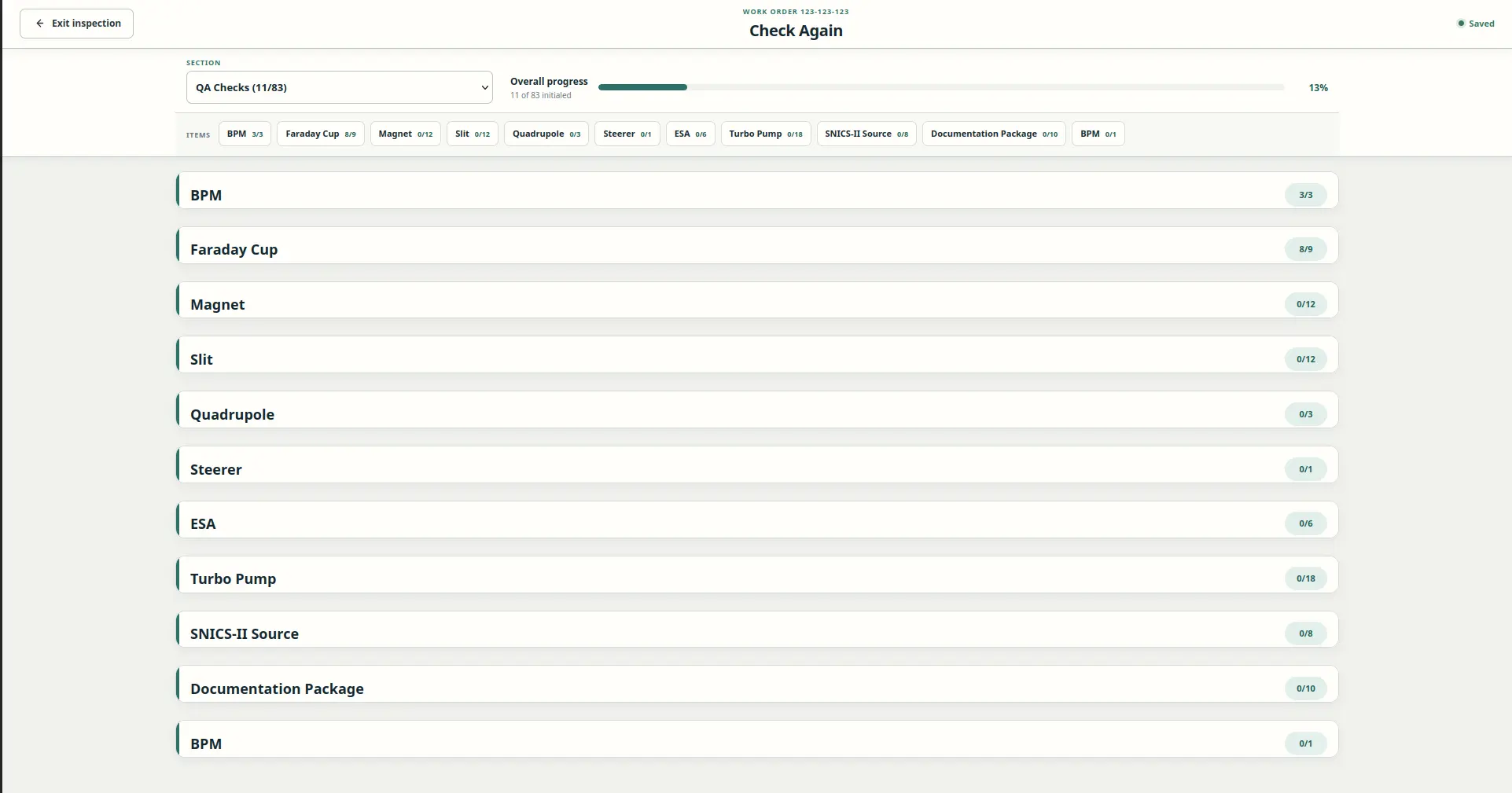
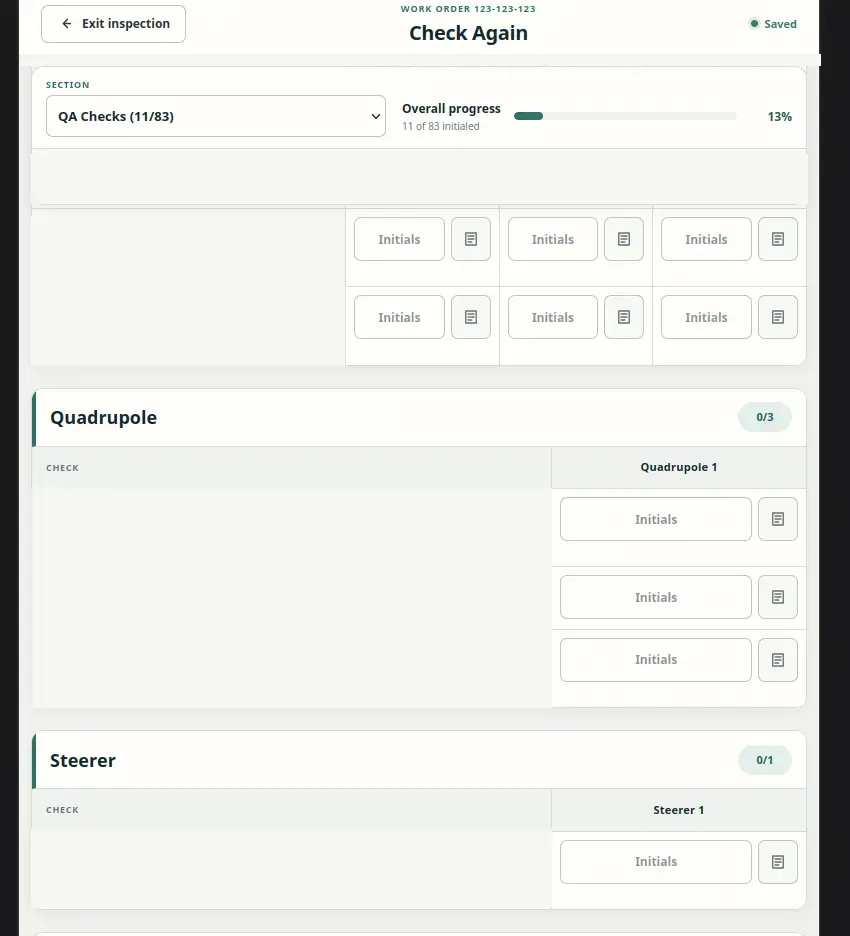
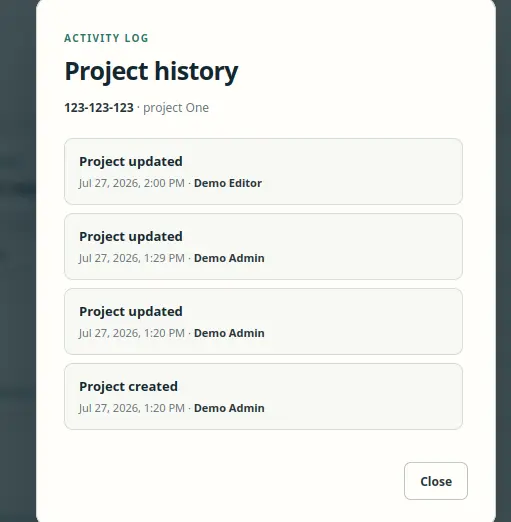
Tracks initials, dates, notes, completion progress, saved revisions, and project activity in one workflow.
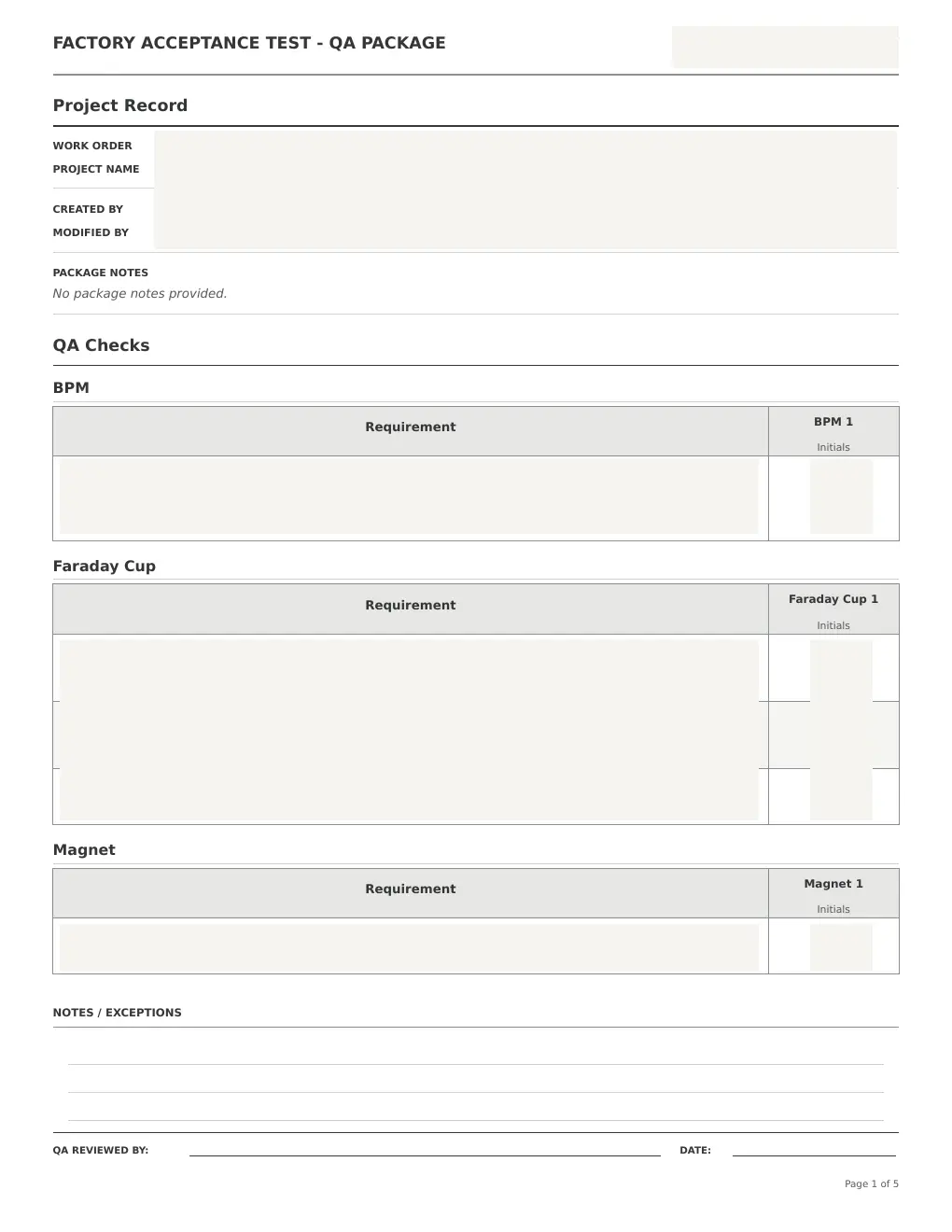
Generates structured PDFs, separates drafts from final records, preserves backups, and uses audited deletion instead of permanent removal.
03 · System design
The Python desktop application established the product model. The web version moved that workflow into a shared internal application for workstations and tablets.
Project data, approved QA items, sections, quantities, and notes.
Validation, saving, roles, progress, revision checks, and history.
PDF packages, project history, backups, and recoverable archives.
04 · Engineering and delivery
Deployment, access, storage, recovery, and support documentation were treated as product requirements, not cleanup work.
Full product ownership
The work covered requirements discovery, interface design, data modeling, PDF generation, packaging, server deployment, permissions, recovery, testing, user documentation, and support planning.
05 · Operational readiness
F.A.T. is more than a user interface. The project includes the application, deployment model, storage rules, access controls, recovery paths, and the documentation needed to operate it.
Project creation, QA package setup, inspection, saving, reopening, PDF review, and retained history work as one connected process.
The application supports shared Windows deployment, browser access, tablet use, and controlled storage outside the source code.
User guidance, deployment instructions, validation steps, permissions, known limits, and recovery procedures are documented.
06 · Product evidence
Public examples use synthetic records. The generated document is redacted to protect internal project and QA content.
The larger takeaway